
This guide will go through the procedure of installing Office 365 software (OneDrive, Excel, Word, Powerpoint, and more) on your work MacBook. Microsoft Office Business Basic comes with access to the web and mobile versions of Office apps like Word, Excel, Powerpoint, and Outlook.
Instructions
**You need to have a Microsoft Office account provided by the IT service desk team.
1. Open a web browser and go to https://www.office.com

2. Select Sign in and log in with your adroll email address and password Example of log: nam.nguyen@adroll.onmicrosoft.com
Password: provided by IT.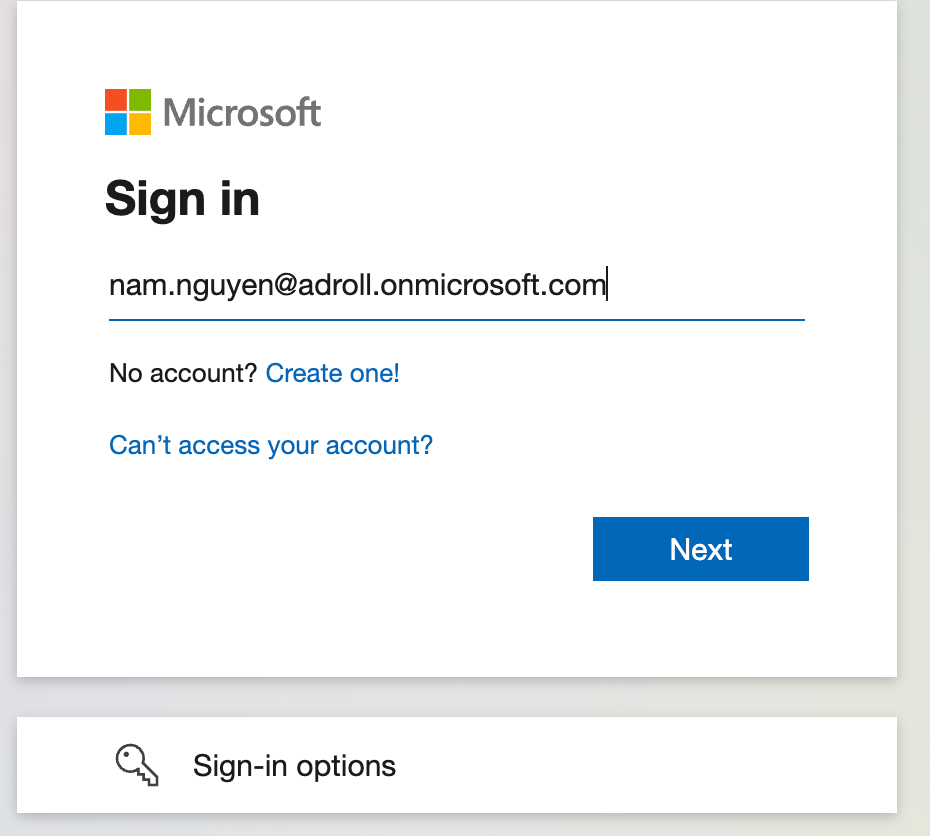
3. In the upper right-hand corner, click the Install Office button.
4. Microsoft Office will download and follow the instructions.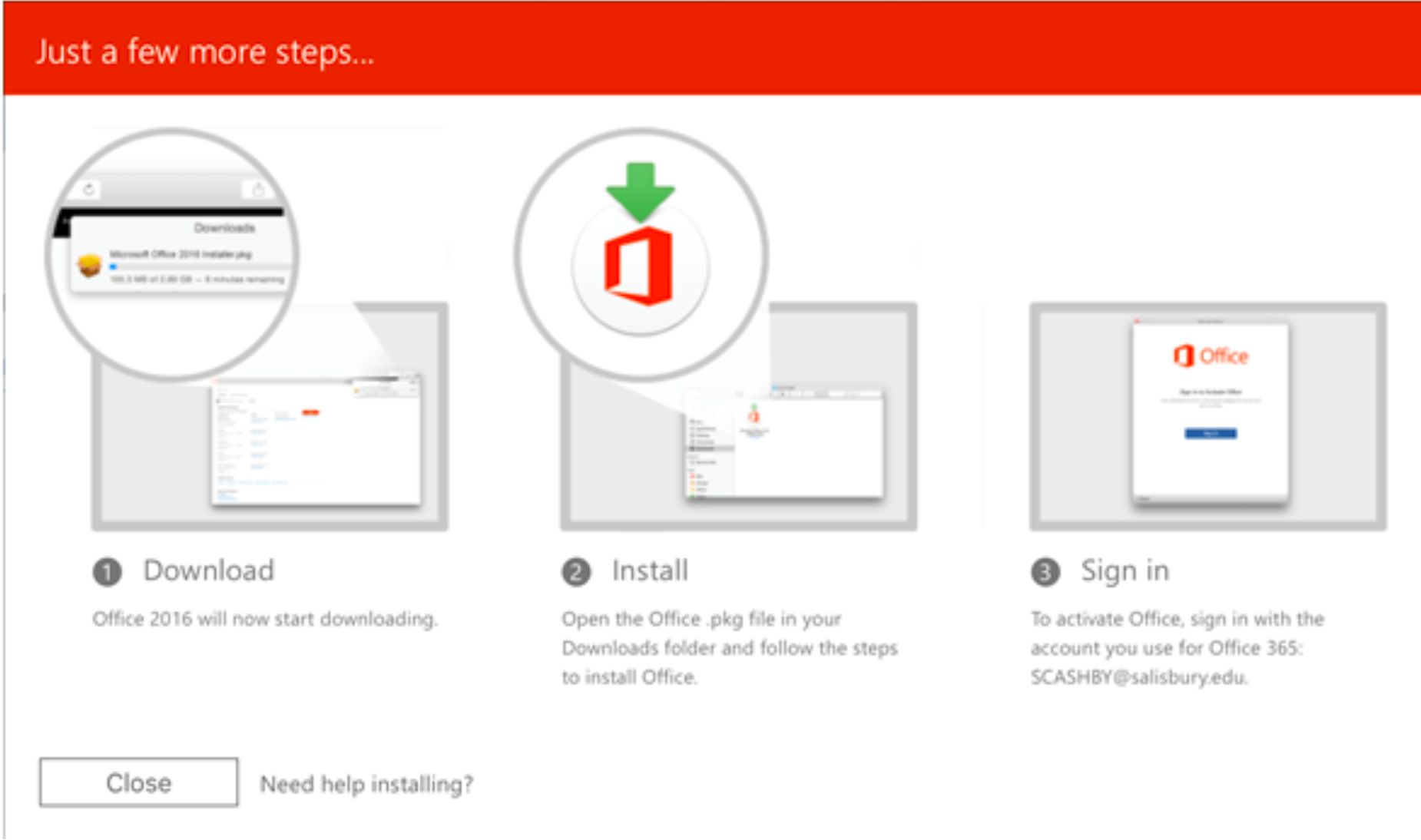
5. Install the application and sign in to activate your MS Office license.
0 Comments