
Your 1Password Business account provides you with a free Family Plan account as long as you are with the company. This account should be tied to a personal email address and not to any work-related alias. You can have up to 5 total accounts on this Family Plan (yourself + up to 4 other accounts). If you are no longer working for NextRoll, 1Password will freeze your Family Plan account(s) and you will have the option to pay for your own service or export your data out and cancel your account.
Instructions
To sign up for your free Family Plan: a step-by-step guide:
-
Sign in to your account at https://nextroll.1password.com.
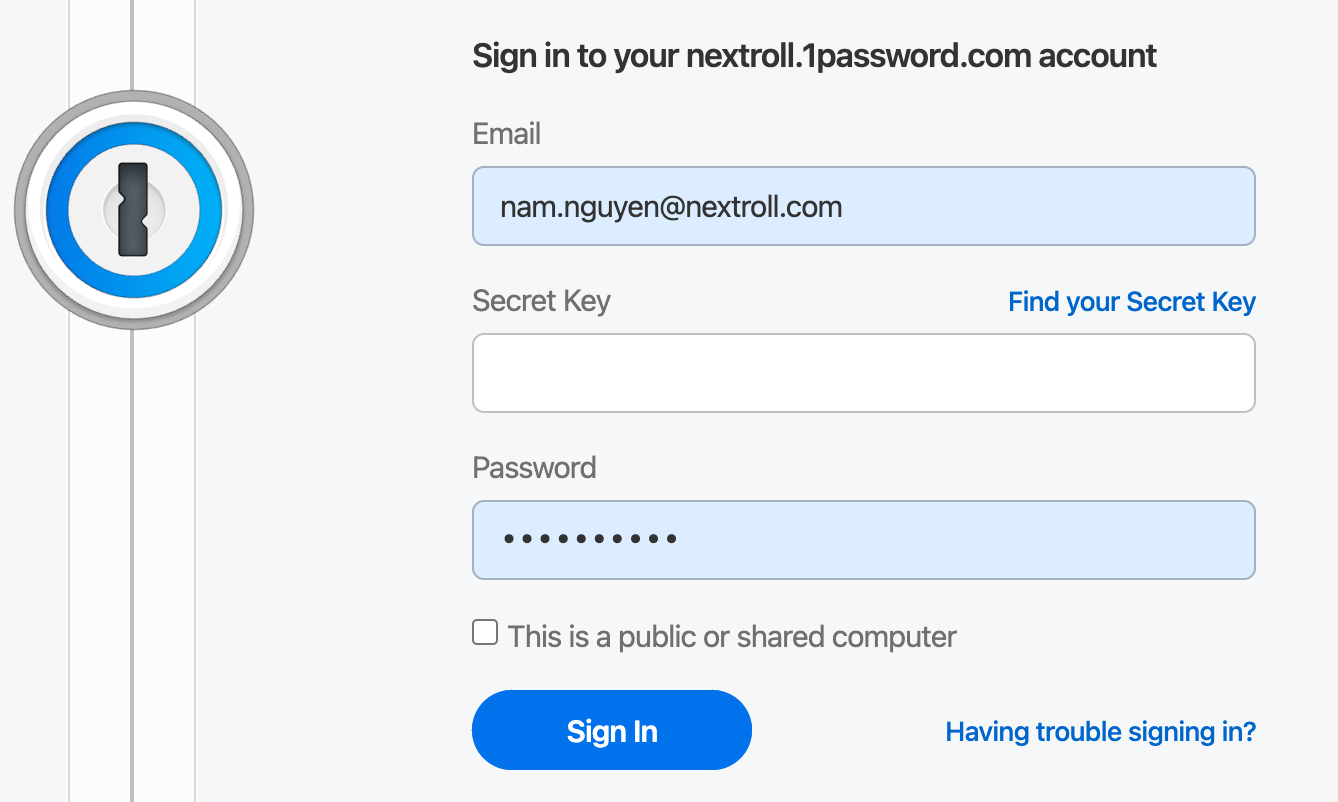
-
Click on your account at the top right and then into “My Profile”
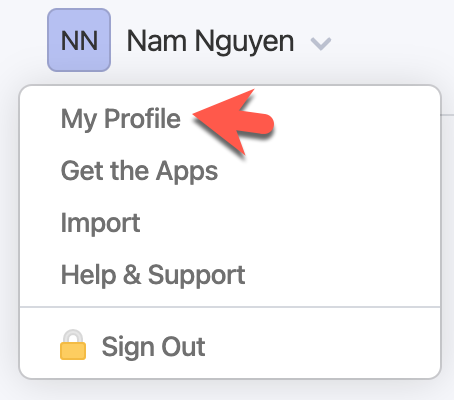
- You will see the “Free 1Password Families Membership” banner below your Authorized Devices
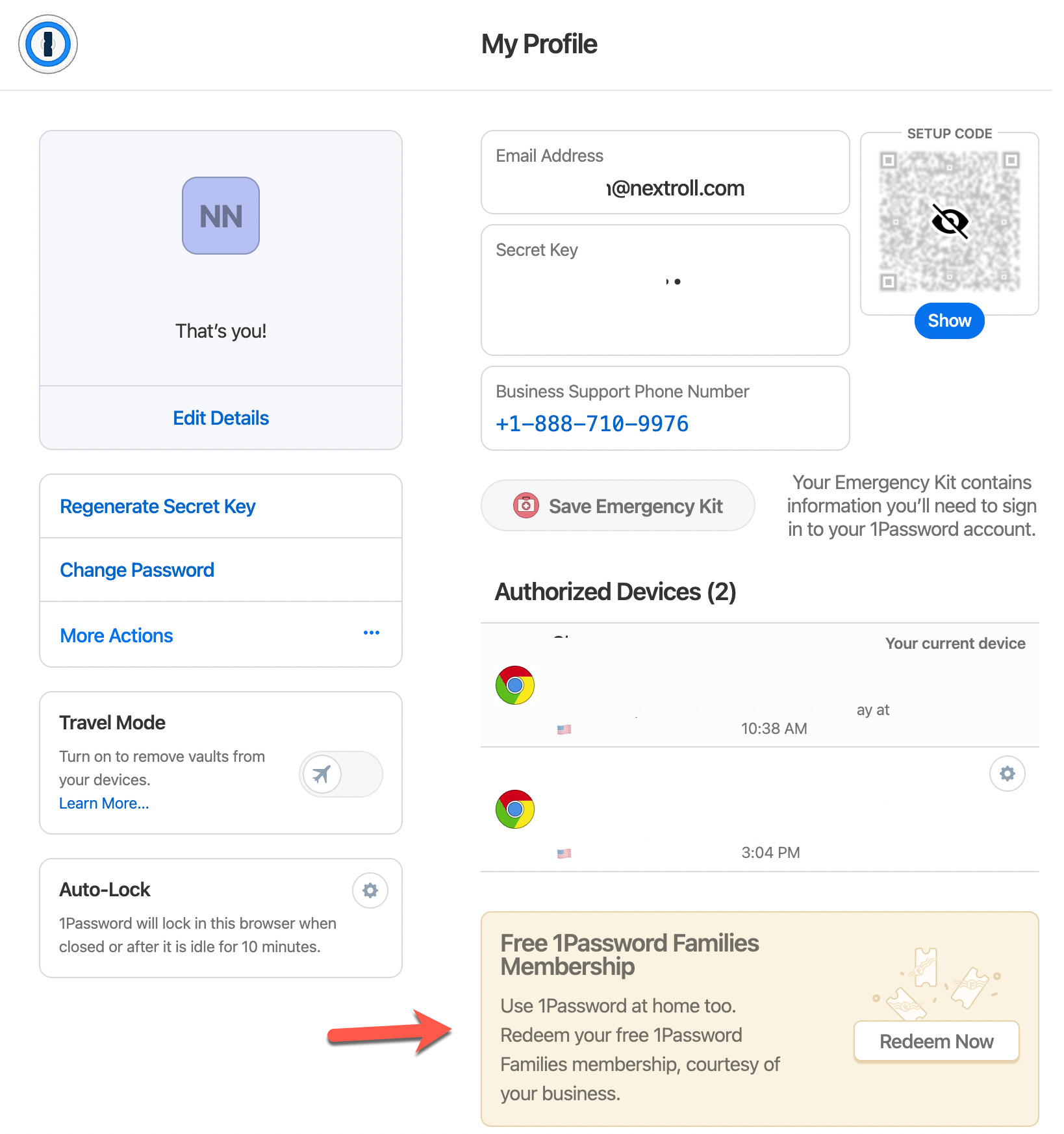
- Click “Redeem Now” to sign up for your family plan account. You can also apply that membership to an existing 1Password account. Once your personal account is linked with your business account, you are ready to enjoy 1Password family membership.

- To add family members to your account: Click on the invite and enter their email address;
0 Comments